Quick start 10 — Flash a MicroSD card
Tools → MicroSD Tools can write a bundled SeedSigner image to a MicroSD card and verify it, without a computer.
On many boards SeedSigner itself runs from MicroSD, so you need a way to attach the target card while the device is running. Where that is not possible, use Balena Etcher or Raspberry Pi Imager on a computer instead. In desktop simulation mode the MicroSD tools are unavailable.
Flash an image
-
Go to Tools → MicroSD Tools → Flash Image.
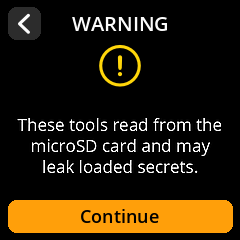
- Choose the image to write (the official images bundled with SeedSigner OS are listed).
- Choose the target card.
- Confirm and wait for the write to finish. Flashing overwrites the target card completely.
Verify a freshly flashed card
- Tools → MicroSD Tools → Verify MicroSD.
-
Read the warning and continue.
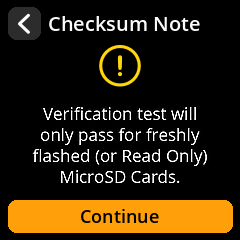
- SeedSigner compares the card against the known image and reports whether it matches.
Wipe a card
To erase a card before recycling it:
-
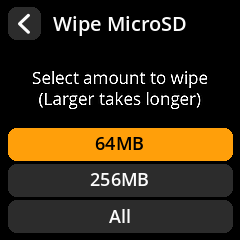
Wipe (Zero) — overwrite with zeros.
-
Wipe (Random) — overwrite with random data (stronger).
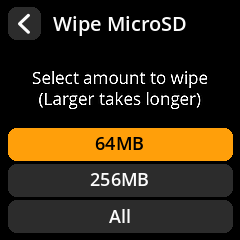
Choose how much to write: 64 MB, 256 MB, or All.